HR software screenshots for 64-bit Windows
HRPlus4 Software Photo Gallery
Explore screenshots of employee records, attendance, reporting, benefits tracking, and other HR management features. See the full feature list or compare editions on the price table.
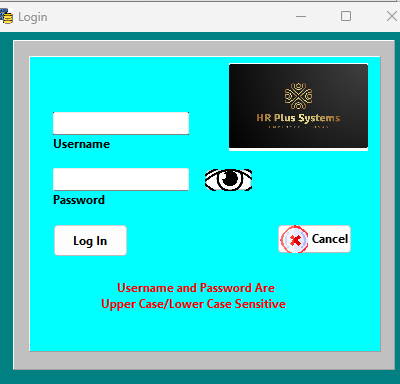
Sign in to the HRPlus4 employee management application.
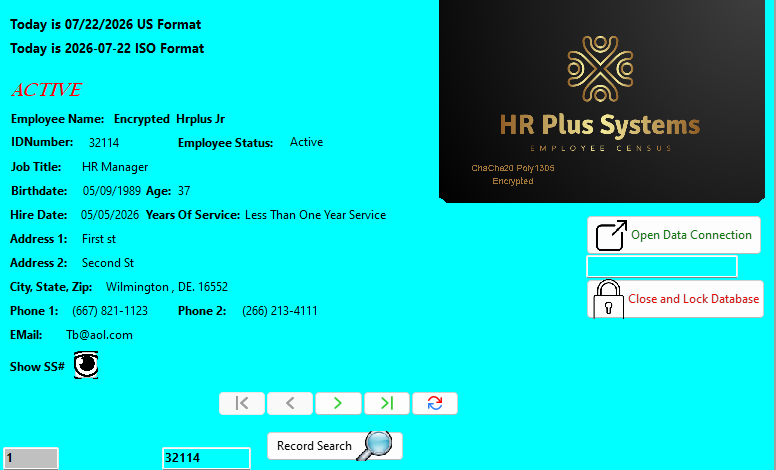
View key employee information in a clear, concise screen.
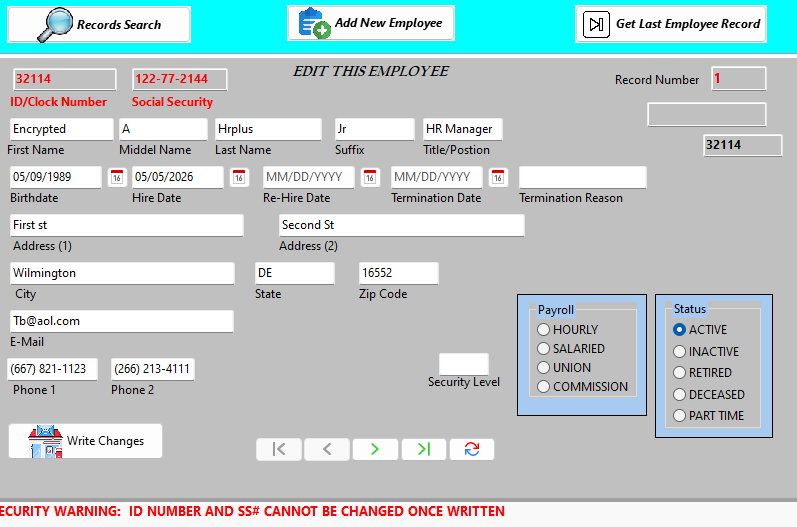
Add employees and update permitted employee details. Supports an unlimited number of employee records.
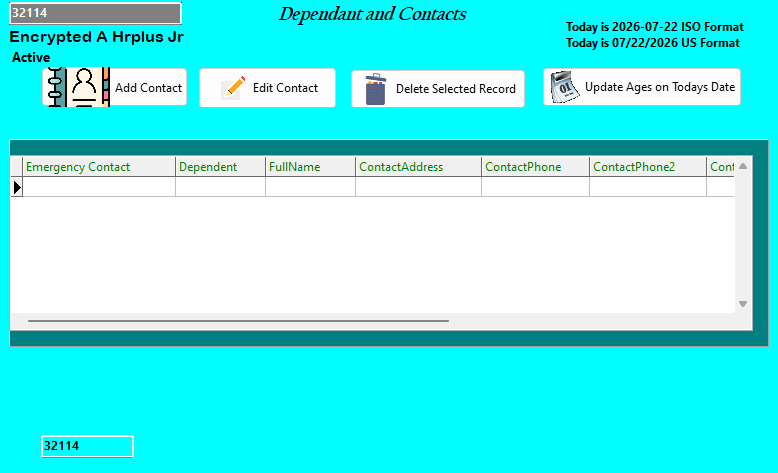
Record dependent and contact details, with age verification information.
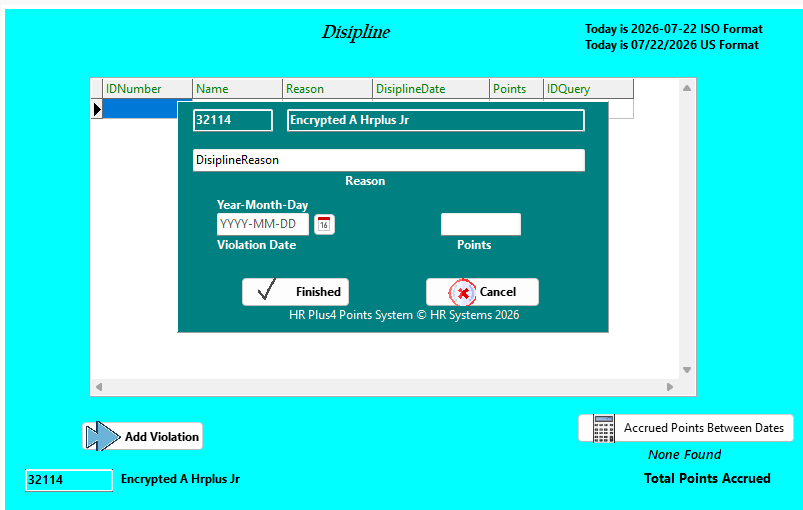
Track points for violations across a defined time period.
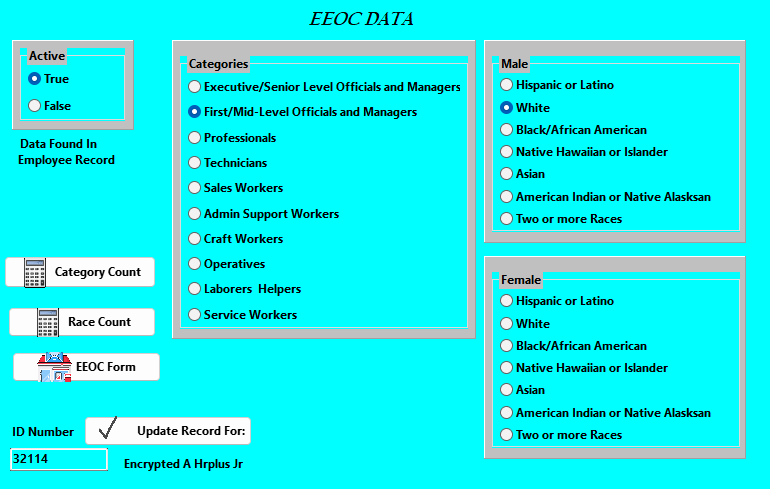
Compile employee data to support reporting workflows.
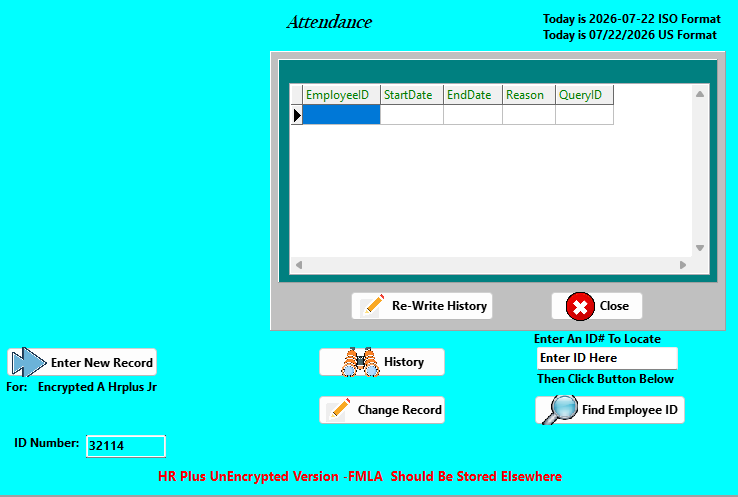
Record and review day-to-day employee attendance information.
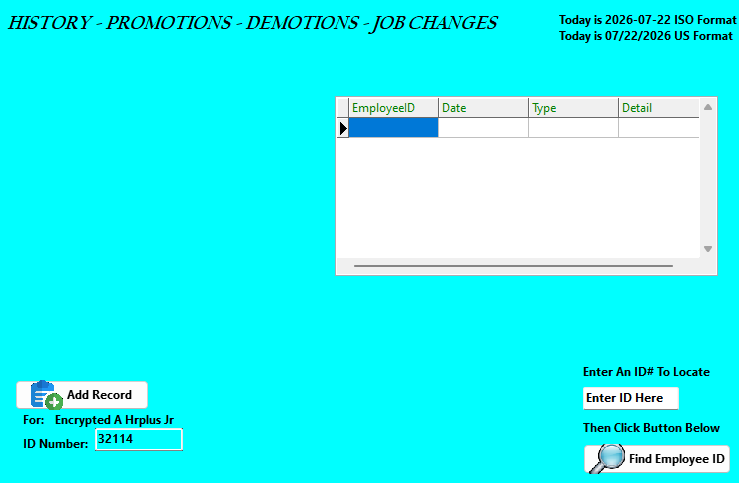
Keep a record of promotions, demotions, and job transfers.
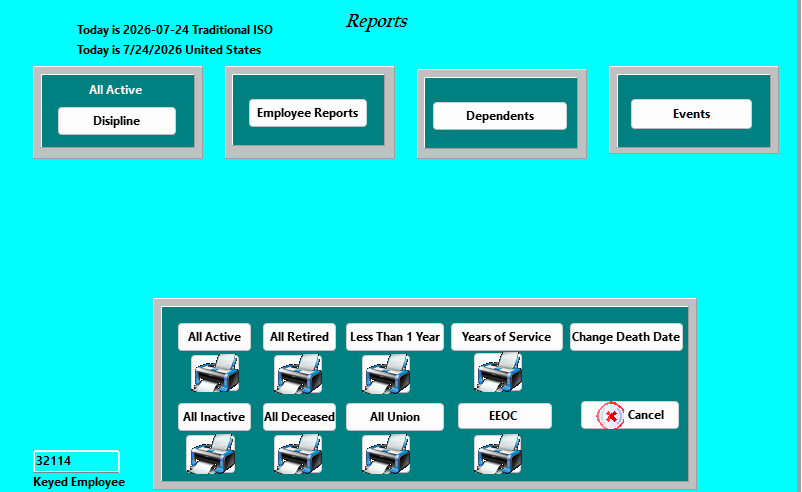
Review data in a grid, print reports, and view predicted events.
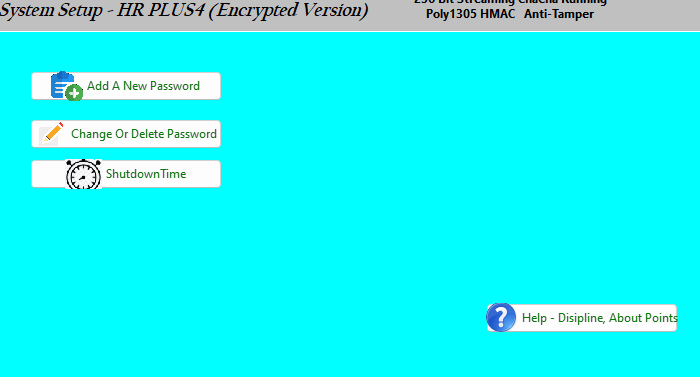
Configure key application settings from one page.
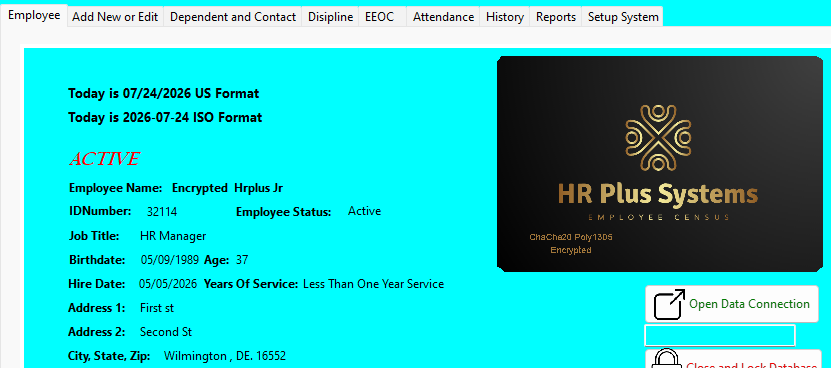
Navigate between screens using straightforward tabs.
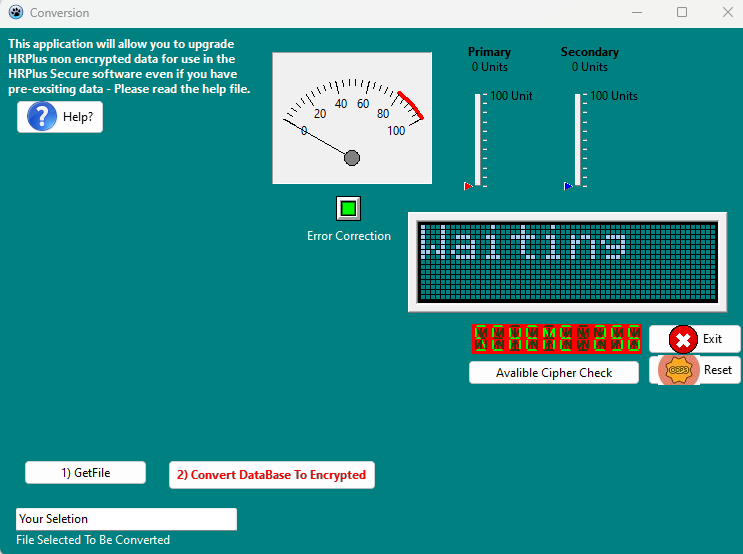
Convert employee data from the free version to the encrypted version.
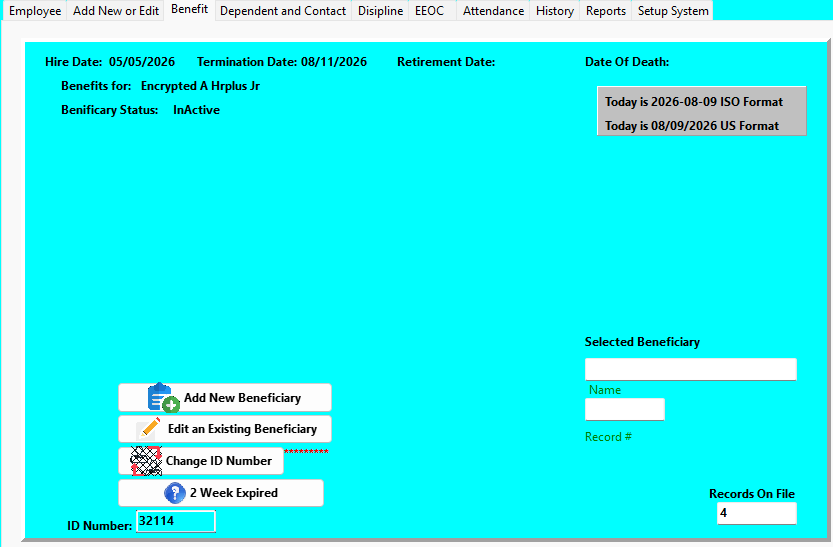
Track benefits information in the encrypted version.
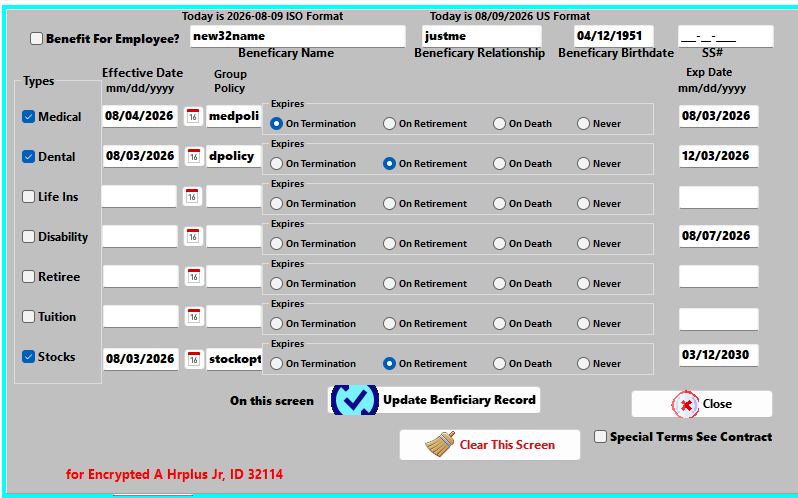
Review benefit information recorded for employees.
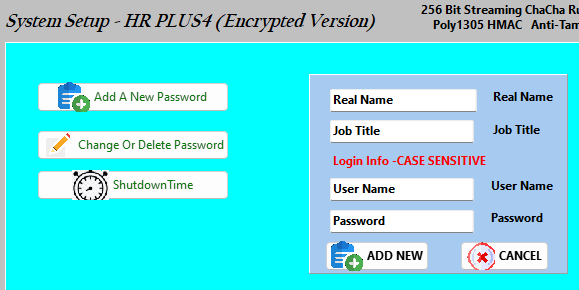
Allow up to five employees to use individual passwords.